We’ve lost count of how many times a client has replied to our draft with something like this:
“Just one thing—typo in line 3.”
Now, we know that such feedback is a small thing. But, to be honest, as writers, it stings because it makes people question everything else in the piece too. And that’s actually the real cost of a grammar mistake:
Not the error itself, but the doubt it plants.
For this reason, over the past few months, we actually sat down and tried several tools that claim to be the best online grammar checkers. And after personal testing, we finalized the 10 entries.
So, in this blog post, we’ll cover those 10 tools, with the actual features, pricing, and trade-offs we found after using each one. And if you think that you’re ready to hear the truth about the top grammar checkers, then keep reading!
Quick Answer
If you want the most accurate all-rounder grammar checker, then go with Grammarly. But if you’re a long-form writer or novelist, ProWritingAid’s style reports are unmatched. Need multiple languages? Then, choose LanguageTool. On a budget? Grammarly, Scribbr and Scribens are genuinely solid choices.
The rest of this guide will break down all 10 best online grammar checkers so you can match one to how you actually write.
How We Tested These Online Grammar Checkers
Just a little heads-up,
We’ve used all ten of these tools on real drafts, such as blog posts, emails, and a couple of academic-style paragraphs.
Plus,
We ran the same three error-riddled paragraphs, where we mixed a couple of awkward passive constructions, comma splices, misused homophones, and subject-verb disagreement, through each online grammar checker.
So, instead of just reading landing pages, we’ve personally used every tool for at least a week on our own writing. That’s because we wanted to see how each grammar checker handles real, messy, first-draft sentences.
And with that in mind, let’s get to the list now!
The List of 10 Best Online Grammar Checkers in 2026
1) Grammarly
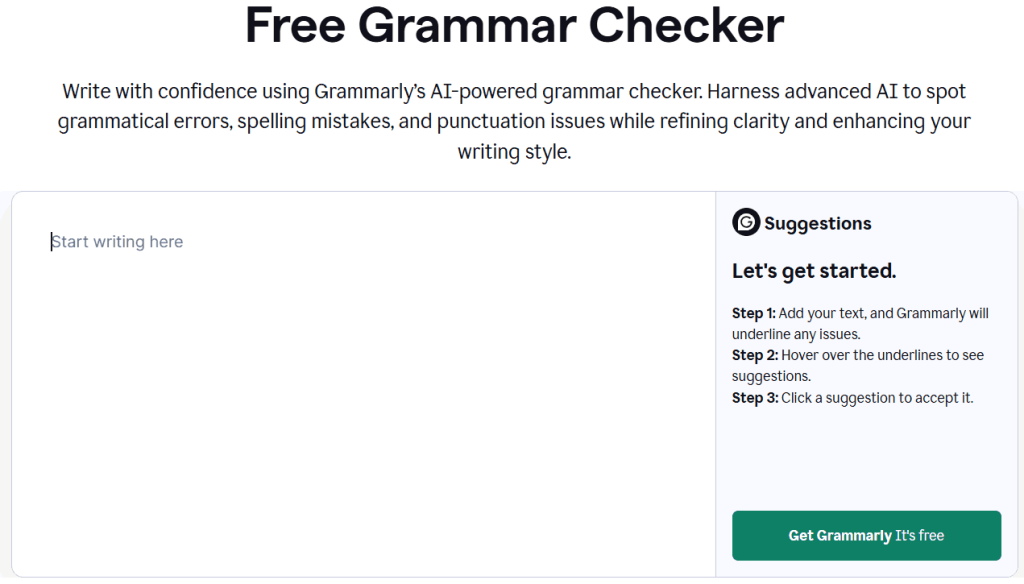
Grammarly is the most widely adopted AI writing assistant on the market. And that’s mainly because it has been developed around a proprietary NLP (Natural Language Processing) engine, which is trained to catch everything from basic typos to nuanced tone mismatches.
This online grammar checker has been designed to be a general-purpose writing layer that sits on top of whatever you’re already doing, such as docs, email, Slack, and social media. So, to use it, you don’t need to separately visit a standalone editor.
Its brand recognition and scale have made it the default reference point competitors measure themselves against. Plus, it suits casual writers and professional teams equally well, which is part of why it’s become the household name for the best online grammar checkers category rather than a niche specialist tool.
Features
- 100 – unlimited AI prompts per month, depending on the selected pricing structure
- Browser extension works across 500,000+ sites and apps
- Real-time grammar, punctuation, and spelling checks across browser, desktop, and mobile
- AI text detection and plagiarism checker availability, but with the premium plans only
- Tone detection and full-sentence rewrite suggestions
Pros
- It is extremely accurate.
- Its clarity and tone coaching are actually useful.
- Its free plan is more than a toy.
- It works nearly everywhere.
Cons
- The premium plan is non-refundable once billed.
- Its suggestions can push toward flat, ‘safe’ phrasing that fights a distinctive voice.
- Its enterprise pricing quickly gets steep for teams.
Pricing
Grammarly’s ‘Free’ plan is available. But its ‘Plus’ plan, which is its premium model, starts at $12/month when billed annually (or $30/month when billed monthly).
The ‘Enterprise’ pricing plan is custom-quoted.
2) ProWritingAid
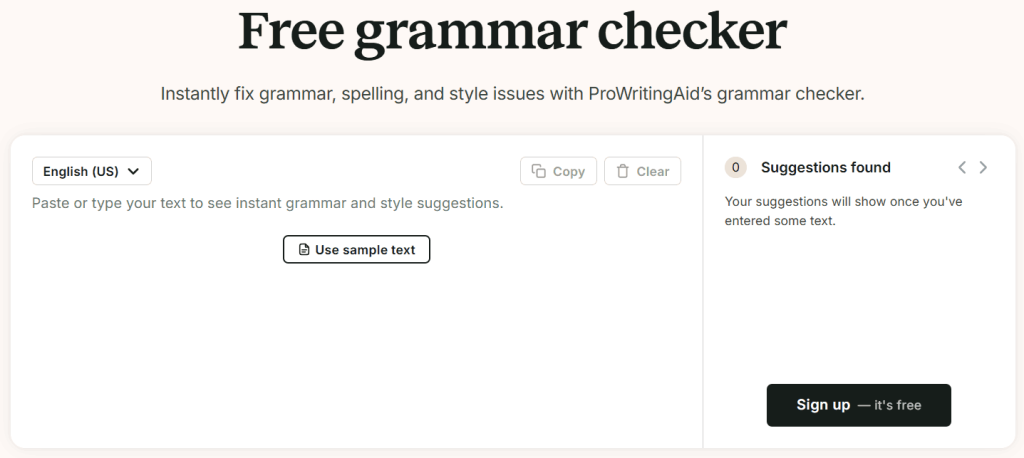
ProWritingAid was built less as a grammar checker and more as a writing coach. Therefore, it is aimed squarely at people working on long manuscripts, such as bloggers, business writers, and novelists producing substantial documents rather than quick messages.
Its identity centers on craft, which means it helps a writer notice habits and blind spots across an entire piece that are invisible sentence by sentence. This is exactly why it’s become a favorite in fiction-writing communities specifically, where ‘grammatically correct’ isn’t the bar—‘well-written’ is.
For this exact reason, ProWritingAid is less concerned with catching every small error the instant you type it and more focused on making writers measurably better over the long run.
Features
- 20+ in-depth writing reports (dialogue tags, overused words, pacing, sentence-length variety, sticky sentences)
- Built-in thesaurus with plain-language explanations for every suggestion
- Genre-specific suggestions for academic, business, and fiction writing
- Native Scrivener integration, plus support for Chrome, Google Docs, and Microsoft Word
Pros
- It has a unique Scrivener integration, which is perfect for novelists.
- The depth of style reports in ProWritingAid is simply unmatchable.
- You get a genuine lifetime-license option here.
Cons
- It is only available in English.
- Its suggestions occasionally misread context on shorter texts.
- The sheer number of reports can be overwhelming on a first pass.
Pricing
The ‘Free’ plan has a 500-word cap. However, the ‘Premium’ package will cost you $120/year ($10/month, when billed yearly) or $30/month.
On the other hand, the ‘Premium Pro’ plan is $144/year ($12/month, when billed yearly) or $36/month.
With the ‘Lifetime’ offer, you will have to pay ‘$399’ for the ‘Premium’ plan and ‘$699’ for the ‘Premium Pro’ package.
3) LanguageTool
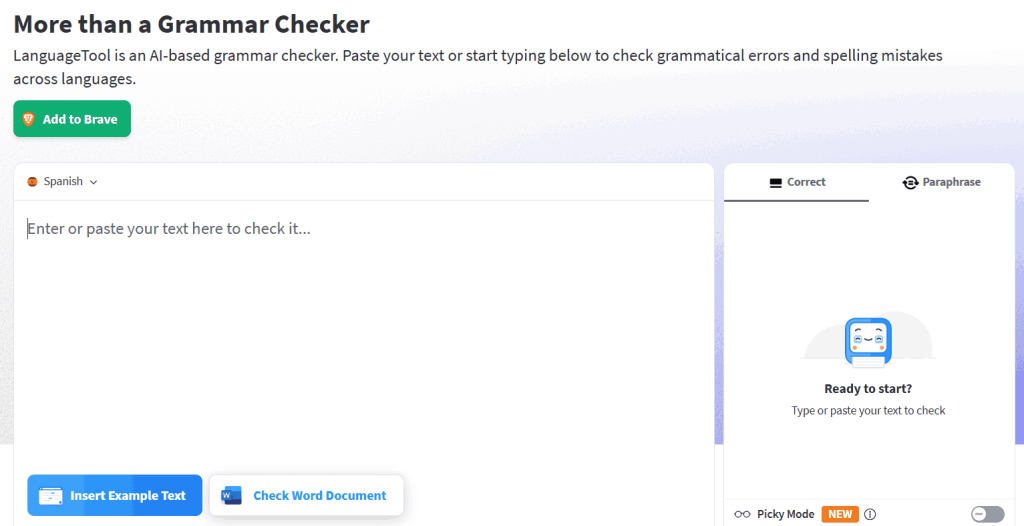
LanguageTool grew out of an open-source grammar-checking project, and that heritage still shapes how it is positioned today:
As a privacy-conscious, transparent alternative to the big commercial players, particularly for teams operating under GDPR.
Its multilingual foundation wasn’t integrated later on; it was built from the start to serve non-English and mixed-language writing. Therefore, when it comes to picking the best online grammar checkers for a workflow that consistently deals with multilingual content, this tool is often the strongest pick.
Its recent shift toward a stricter paywall on the browser extension reflects the tension between its open-source roots and the cost of competing with AI-heavy rivals like Grammarly. And to be honest, this shift has somewhat reshaped its identity in 2026.
Features
- Custom rule sets for consistent team terminology
- Grammar, punctuation, spelling, and style checks in 30+ languages
- Open-source engine with a self-hosting option for GDPR-conscious teams
- Unlimited AI paraphrasing with ‘Premium’ subscription
Pros
- This online grammar checker has the best multilingual coverage by far.
- You can set custom rules for your team to customize this grammar checker’s engine for your use case.
Cons
- The free tier shrank significantly in 2026 (roughly a 10,000-character cap, with basic rules only)
- Outside English, its stylistic suggestions can feel generic.
Pricing
The free plan is limited. So, its subscription has been divided into the following categories:
- 2 years — $2.50 per month OR $59.90 /2 years
- Annual — $2.91 per month OR $34.95 /year
- Quarterly — $8.32 per month OR $24.95 /quarter
- Monthly — $12.45
As far as its ‘Teams’ plan is concerned, it is suitable for up to 20 users.
4) QuillBot
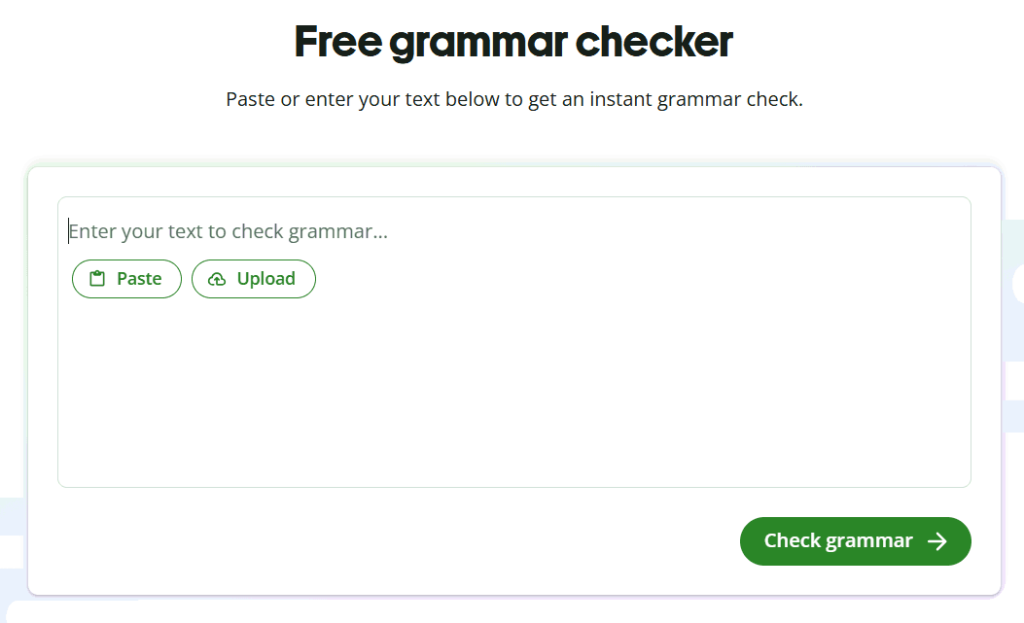
QuillBot didn’t start as a grammar checker at all. It actually launched as a paraphrasing tool and only later expanded into citation, grammar, and plagiarism detection support. And the reality is that origin still defines its identity:
It is best understood as an AI writing toolkit built around rewriting, with online grammar checking as one feature among several rather than the main event.
This makes it a natural fit for content writers and students who need to rephrase and restructure text as often as they need to correct it. Therefore, for users who are looking for a dedicated, deep online grammar checker, QuillBot shouldn’t be their primary choice.
Features
- AI detector, AI image generator, citation generator, plagiarism checker, and summarizer bundled in
- Browser extension as well as Google Docs and Microsoft Word integration
- Grammar checker paired with a multi-mode (Fluency, Formal, Standard, etc.) paraphraser
Pros
- It has one of the cheapest full-featured premium tiers among the major names.
- Its paraphrasing is quite strong.
- When bundled with plagiarism checking and other utilities, QuillBot can be a handy toolkit.
Cons
- The grammar checker alone is less sharp than dedicated tools.
- The free plan’s 125-word paraphrase cap runs out quickly.
Pricing
Its free plan is available. However, the ‘Premium’ package starts at $4.17 USD per month, when billed annually.
You can also get a quotation for a customized ‘Team Plan.’
5) Hemingway Editor
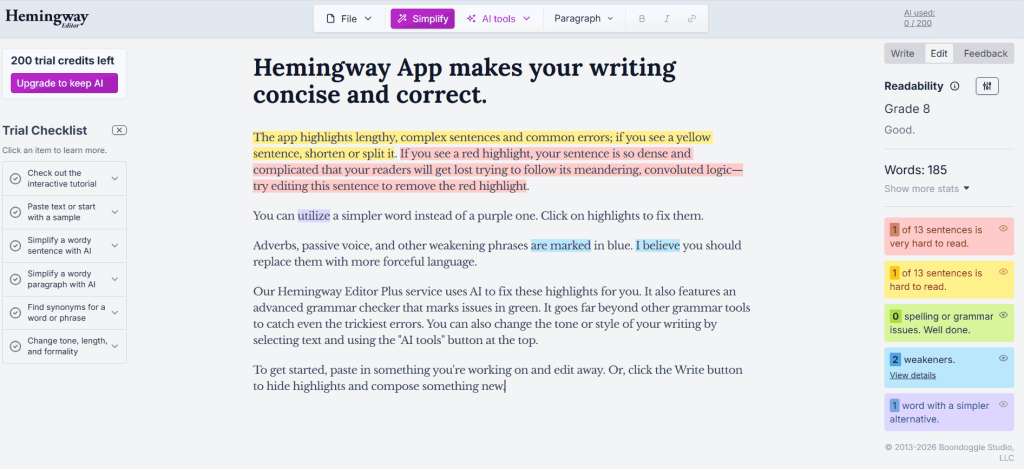
Hemingway takes its name and philosophy directly from Ernest Hemingway’s famously spare prose style. And that’s not just branding; the entire tool was built around one belief:
Most writing suffers from excess, not from grammatical error.
Therefore, for most of the time, Hemingway Editor was a pure style tool with no grammar-checking ambitions at all, which made it stand out from every other tool here. Most online grammar checkers check grammar first. For a long time, Hemingway didn’t even try.
However, its recent addition of AI-powered grammar correction in the paid tier is a genuine shift in identity. And that shift has moved it from a single-purpose style tool toward something closer to a full editor. But its minimalist design still defines the core experience.
Features
- AI grammar tool (Editor Plus only) that catches homophones, misused words, and subject-verb agreement.
- Automated readability grade scoring
- Color-coded readability highlighting for adverbs, hard-to-read sentences, and passive voices
- One-click publishing to Medium and WordPress, plus PDF/Word export
Pros
- It genuinely cuts fat from prose, which ultimately leads to improved readability.
- The $19.99 desktop app is an honest one-time purchase.
- The ‘Editor Plus’ finally features a real grammar checker, which is the reason for putting this tool on this list.
Cons
- Sometimes, its recommendations can flatten a distinctive voice. This especially happens if you blindly follow all of its suggestions.
- The free version still doesn’t catch grammar errors on its own.
- There is no availability for a browser extension or a mobile app.
Pricing
The web editor is completely free. However, the Desktop app is a $19.99 purchase.
If you want to move to the ‘Editor Plus’ variant, you will get the following plans:
- Individual 5K Plan—starts at $100 USD/year, which becomes $8.33/month when billed annually, but with a per-month payment mode, it will cost you $25/month.
- Individual 10K Plan—starts at $150 USD/year, which becomes $12.50/month when billed annually, but with a per-month payment mode, it will cost you $15/month.
- Team 10K Plan—starts at $150 USD/per user/year, which becomes $12.50/month when billed annually, but with a per-month payment mode, it will cost you $15/month.
6) Ginger Software
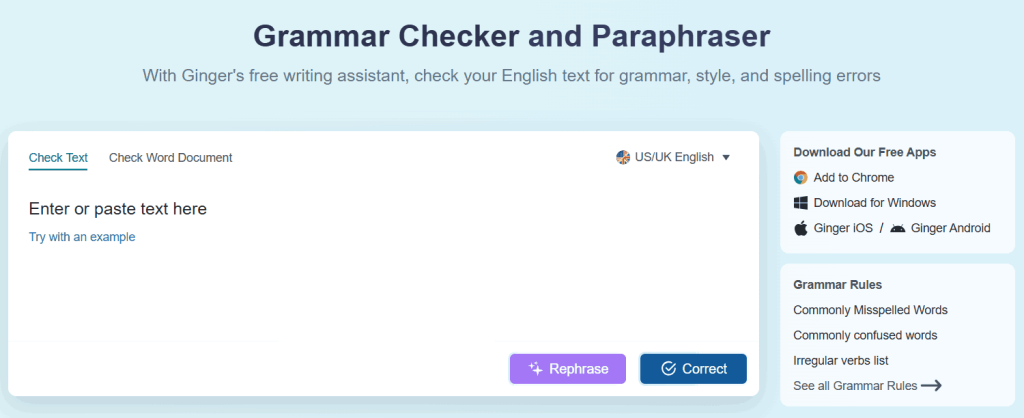
Ginger is one of the oldest names in the space of online grammar checkers, having launched years before AI writing tools became mainstream. And its longevity shows in both its strengths and its dated edges.
It was built specifically with non-native English speakers in mind, which explains why its translation features go deeper than a quick add-on. For instance, you get context-aware, full-sentence correction paired with translation, which was Ginger’s core differentiator long before competitors added similar features.
It is less of a trend-chaser than tools like QuillBot or Wordtune. Instead, it occupies a steadier, more specialized niche that held up over time even as flashier competitors entered the market.
Features
- Built-in translator across 40+ languages
- Context-based, full-sentence grammar and spelling correction
- Text reader that reads your writing aloud—useful for proofreading by ear
- ‘Personal Trainer’ module with grammar practice exercises based on your mistakes
Pros
- It has a built-in translator, which makes it a solid option for non-native English writers who want to gain confidence and fluency in the secondary language.
- This grammar checker provides recommendations according to context-based corrections.
- You can even get the ‘Students & Teachers’ discount if you meet Ginger’s eligibility criteria.
Cons
- Its premium pricing is inconsistent across billing cycles and sources.
- You may observe occasional false-positive flags on correct technical terms.
Pricing
Its free plan is available. But if you want to purchase its premium subscription, you have the luxury to go with one of these packages :
- Monthly (billed every month) — $6.5 / month
- Annual (billed as one payment of $45.00) — $3.75 / month
- Quarterly (billed as one payment of $14.97) — $4.99 / month
- 2 years (Billed as one payment of $72.00) — $3.00 / month
7) Scribbr
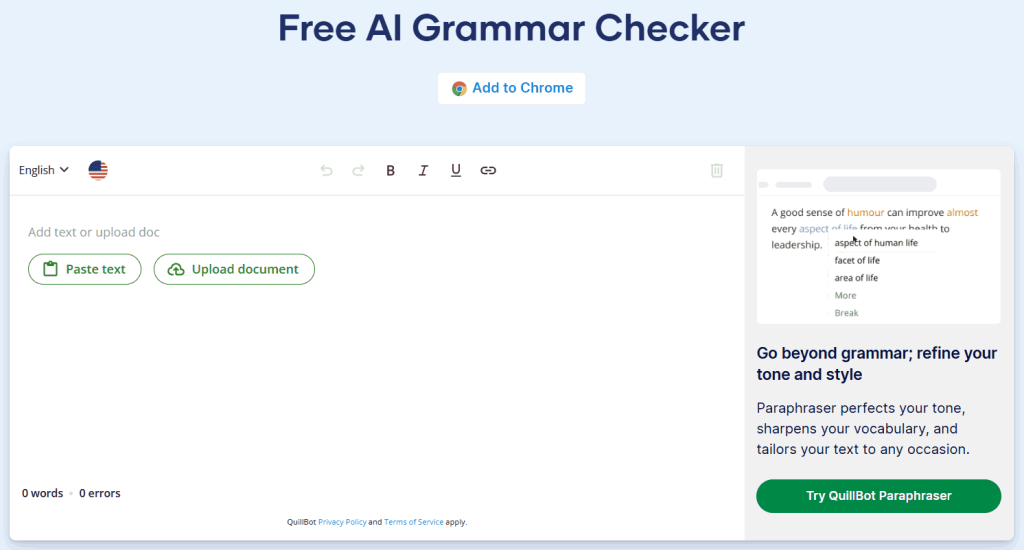
Scribbr’s roots are in academic proofreading, not software—it has built its reputation on human editors reviewing dissertations, papers, and theses before it ever launched an online grammar checker. And that academic DNA still shows:
The tool is tuned for citation-heavy, formal writing rather than casual or creative text.
And it sits alongside Scribbr’s other academic services (citation generators, plagiarism checks). So, it’s more like a part of a broader ecosystem built for students and researchers. In fact, it is one of the few tools on this list of the best online grammar checkers of 2026 that isn’t primarily trying to be a general-purpose writing assistant.
So, Scribbr’s grammar correction tool is an academic specialist that happens to also work well for everyday text.
Features
- Free, unlimited-length AI grammar and spelling checker with no account required
- Optional paid human proofreading and plagiarism checking
- Support for major English dialects (US, UK, Australian, Canadian)
Pros
- Its accuracy is quite strong, especially when we tested it in independent tests.
- The free tier has no character limit and no ads.
- There is an option to fix all issues at once in this online grammar checker.
- You can even choose the Human proofreading option to get a personalized review of your document.
Cons
- To be honest, it’s not built for non-academic, everyday writing use cases.
Pricing
The grammar checker is free and unlimited. However, if you choose its human proofreading service, you will have to pay ‘$0.09/word.’
8) Scribens
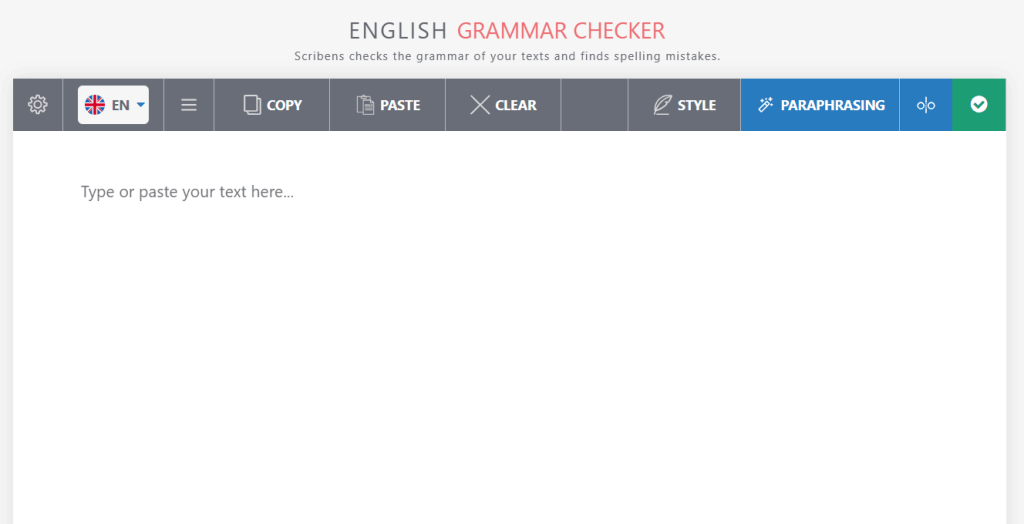
Scribens is a smaller, France-based online grammar checker that has stayed deliberately simple while bigger competitors added AI branding and bundled feature suites. For instance, there is no AI detector, no citation generator, no plagiarism checker here. So, it is just a simple grammar corrector that focuses on doing one job well rather than becoming an all-in-one writing platform.
That narrower scope is exactly why it appeals to people who find tools like Grammarly or QuillBot overloaded with features they don’t need. It is the kind of tool you open, use, and close, without much of a learning curve or upsell pressure along the way.
Features
- Built-in dictionaries with conjugations, definitions, and synonyms
- Corrects 250+ types of grammar, punctuation, and spelling errors
- Paraphrasing tool supporting 40+ languages
- Style checker for redundancy, repetition, and run-on sentences
Pros
- Its free tier is genuinely generous. For example, you get up to 20,000 characters via the browser extension.
- The language support for paraphrasing is quite broad here.
- You get solid stylistic feedback on repetition.
Cons
- It is suitable for English-only results, as it has been trained with core English grammar rules.
- The interface feels outdated, especially when compared with the newer AI-first tools.
Pricing
The free version available. But to become a premium member, you can choose between:
- 1 month — €9.90
- 3 months — €24.90 (or €8.30 / month)
- 1 year — €59.90 (or €4.99 / month)
- Business Pack
9) Sapling AI
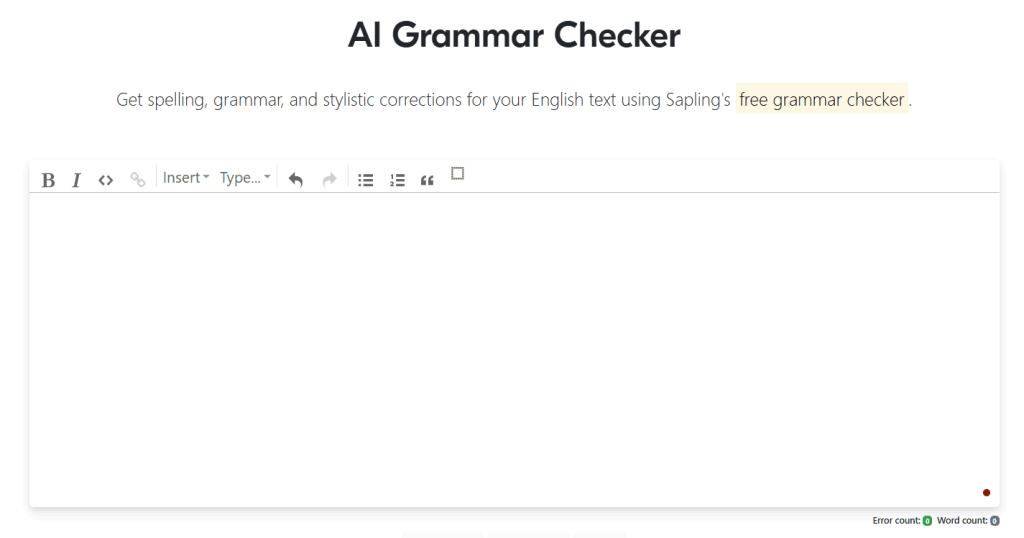
Most grammar checkers are built for individual writers. However, Sapling is built for support and sales teams instead. Therefore, it doesn’t really compete with Grammarly or ProWritingAid; it has been developed for a different job entirely.
This tool isn’t really trying to serve individual writers at all. Its entire design center is business communication:
Sales teams, support desks, and anyone typing repetitive, high-volume messages inside a CRM or help desk tool.
Where Grammarly or ProWritingAid think in terms of documents and manuscripts, Sapling thinks in terms of conversations and tickets. And that focus makes it something of an outlier here, but a useful one for the specific use case it targets.
Features
- Autocomplete and canned-response snippets for support and sales teams
- Native integrations with Gmail, Microsoft 365, Salesforce, and Zendesk
- Neural-network grammar and style suggestions (not rule-based)
- SOC 2 Type II, HIPAA, PCI, and GDPR compliant infrastructure
Pros
- It has been built specifically for business/CRM workflows.
- It offers strong compliance credentials for enterprise use.
- This tool is one of the few online grammar checkers that has been built with context-aware suggestions from its neural-model approach.
Cons
- This is less useful for creative work or solo writers.
Pricing
This grammar checker is available for free. However, its advanced premium suggestions are only available with ‘Pro’ and ‘Enterprise’ plans, which start at $25 / month (or $12 / month, when billed annually) and $15 / seat/month, respectively.
10) Wordtune
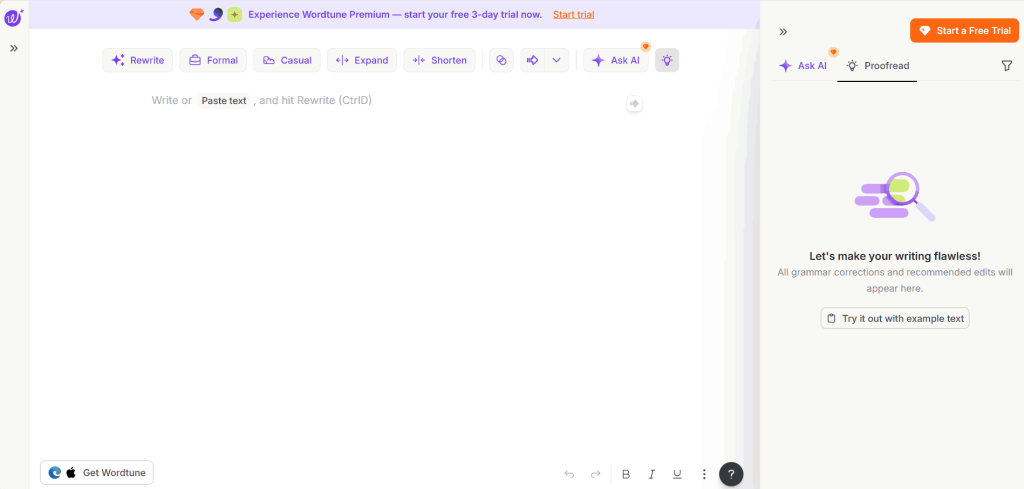
Wordtune comes out of AI21 Labs, an NLP research company, and it reads that way—the tool is built around large language models (LLMs) generating alternative phrasings, not a rules-based grammar engine flagging errors. And that distinction matters:
Wordtune’s entire value proposition is ‘here’s a better way to say this,’ not ‘here’s what’s wrong with what you wrote.’
Conceptually, it is also the newest kind of online grammar checker here. But instead of following grammar rules, it uses AI to generate better versions of your sentences. So, it is closer to a writing companion than a grammar corrector, and it appeals most to people who already write reasonably correctly but want help finding a sharper or more natural-sounding version of their own sentences.
Features
- Sentence rewriting across multiple tones (casual, expand, formal, shorten)
- Summarizer and ‘Wordtune Read’ for condensing long articles or documents
- Translate-and-rewrite support from 10 languages into English
- Unlimited grammar and spelling correction on every plan, including free
Pros
- Its translation-to-English support can be quite handy, especially when dealing with multilingual content.
- This tool is one of the few utilities that provide unlimited grammar checking even on the free tier.
- When it comes to producing natural-sounding rewrites, Wordtune is excellent.
Cons
- It is not a dedicated grammar checker, as paraphrasing is its core strength, which gets capped at 10 uses/day for free.
Pricing
Its free plan is available. But you can upgrade your plan by switching to one of these:
- Advanced — $1.49 per month / billed yearly
- Unlimited — $2.15 per month / billed yearly
At a Glance: Pricing and Best-Use Comparison
Based on our testing and review of each of the best online grammar checkers, we’ve compiled the highlights into the following table:
| Tool | Best for | Free Plan Availability? | Starting Price |
| Grammarly | Everyday accuracy and tone coaching | Yes | $12/month (billed annually) |
| ProWritingAid | Fiction and long-form editing | Yes (500-word cap) | $10/month (billed annually) |
| LanguageTool | Multilingual writing | Web editor only — browser extension is premium-only as of March 2026 | $2.50/month (2-year plan) |
| QuillBot | Grammar + paraphrasing bundle | Yes | $4.17USDPer month, billed annually |
| Hemingway Editor | Readability and tightening | Yes (but readability only, no grammar checks) | $25USD/month(billed monthly) |
| Scribbr | Free and unlimited academic checking | Yes, unlimited | Free (proofreading add-ons from $0.09/word) |
| Ginger Software | ESL (English as a Second Language) translation and writers | Yes | $6.5 / month (billed annually) |
| Scribens | Generous free tier | Yes (8,000 characters/day on web) | €9.90/month |
| Sapling AI | Business and CRM teams | Yes | $25/month (Pro plan) |
| Wordtune | Rewriting and tone shifting | Yes (unlimited grammar checks) | $1.49per month / billed yearly |
How to Pick the Best Online Grammar Checker for Your Use Case
Honestly, most people don’t need just one online grammar checker. For instance, speaking from our personal experience, we run:
- Anything bilingual through LanguageTool
- Day-to-day emails through Grammarly
and
- Long-form drafts through ProWritingAid
However, if you’re a student or on a tight budget, Scribbr and Scribens will cover 90% of what you need for free.
But let’s say that your team handles customer messaging at scale. In such a situation, Sapling’s CRM integrations matter more than a slicker interface.
So, the best online grammar checkers aren’t the ones with the most features; they’re the ones that fit how and where you actually write.
Quick FAQs
Can a grammar checker replace a human editor?
Not for anything high-stakes. That’s because grammar checkers catch awkward phrasing and mechanical errors reliably. However, they miss factual issues, structural problems, and nuance, which a trained editor would flag.
Is a free grammar checker good enough?
For everyday writing, such as casual blog drafts, emails, and social posts, yes—a free grammar checker would work. In such situations, Grammarly, Scribbr, and Scribens perform well in independent accuracy tests without a paywall. But if you’re handling academic or client-facing work, a paid tier’s context-aware suggestions and plagiarism checks earn their cost.
The Bottom Line — Concluding Remarks
At the end of all this testing, here’s what actually stuck with us:
None of these 10 online grammar checkers are objectively ‘the best’—they’re each the best at something specific, and the trick is knowing which of those somethings you actually need.
For instance, Grammarly earns its reputation for a reason, but we reach for ProWritingAid the moment a piece gets long enough to need real structural feedback, and we wouldn’t dream of skipping LanguageTool on anything bilingual.
So, if you take one thing from this guide, let it be this:
Don’t pick an online grammar checker based on which one has the most features on paper.
Pick it based on what you were doing five minutes before you opened this blog post. In this way, you will be able to easily find the best online grammar checker for your use case.

WordlyCove is a peaceful space where words, writing, and knowledge come together, an ideal platform for writers and learners.
